
What is a
URL shortener?
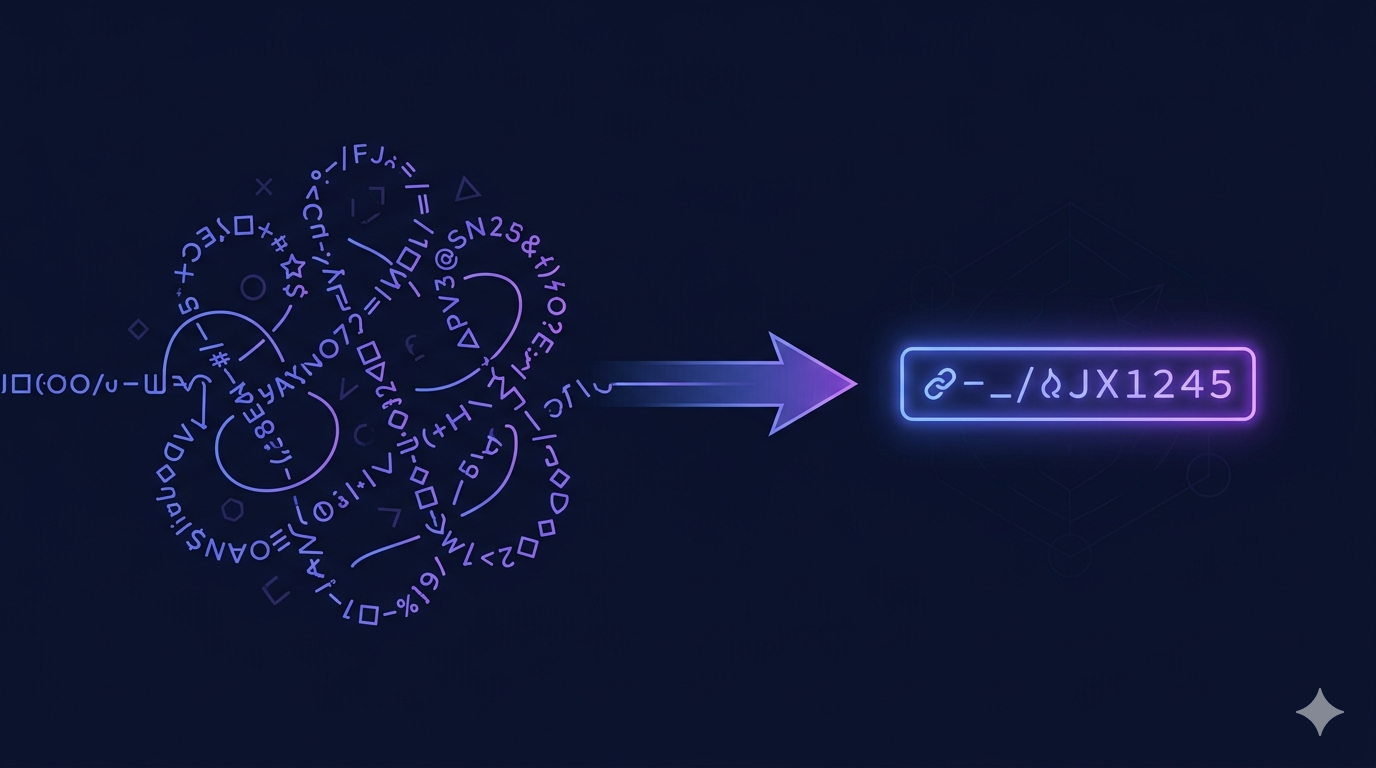
A URL shortener converts a long web address into a short, shareable link. Click it and you're instantly redirected to the original destination. Here's how they work, why they matter, and what to look for when choosing one.
The Linklify team builds and operates the Linklify platform. We write about link-in-bio tools, URL shorteners, and creator growth strategies based on direct product experience and publicly available data.
Key Takeaways
- ·Branded short links get 2.3× more clicks than generic ones — custom slugs signal trust that random characters don't (Bitly, 2025).
- ·A 301 redirect passes full ranking signals to the destination. Short links don't hurt SEO when built on 301 redirects (Google Search Central).
- ·URL shorteners track clicks across email, print, QR codes, and ads — all from one dashboard. One short link, every channel.
- ·The best shorteners pair with a link in bio page — one platform for every link you share.
How does a URL shortener work?
When you shorten a URL, the shortener stores a mapping between the short link (e.g. linklify.link/my-product) and the original destination URL. That mapping lives in the shortener's database. Simple as it sounds, that lookup is doing several things at once.
When a visitor clicks your short link, their browser sends a request to the shortener's server. The server finds the destination and returns a redirect. Most shorteners use a 301 (permanent) redirect. Some use 302 (temporary). The difference matters for both analytics and how search engines interpret the relationship between the two URLs. We default to 301 redirects in Linklify after finding 302s caused click-count discrepancies across certain email clients during testing. This all happens in under a second.
Along the way, the shortener logs the click: timestamp, approximate location, referrer, and whether it's a unique or repeat visitor. That's click analytics. Every redirect is also a data collection event.
Example
https://yourbusiness.com/products/summer-sale-2026?utm_source=instagram&utm_medium=biolinklify.link/summer-saleWatch: How URL Shorteners Work
Features to look for in a URL shortener
Not all shorteners are equal. Here's what separates a useful one from a basic one.
linklify.link/your-brand close that gap. Branded vs Generic Short Link Click Performance
Average clicks relative to generic baseline — Bitly, 2025
Source: Bitly (2025)
Custom slugs
Pick your own short link path instead of a random string. linklify.link/summer-sale is more trustworthy than linklify.link/x7k2p — and Bitly's 2025 data shows branded links get 2.3× more clicks than generic ones.
Click analytics
Total clicks, unique visitors, referrer sources, and over-time charts for every short link. Without this data you're publishing blind — you won't know which posts, emails, or channels actually drive traffic.
Link expiration
Set a date and time for a short link to deactivate automatically. Good for flash sales, event signups, and time-limited promotions where a stale link creates a poor experience.
Scheduled activation
Create short links in advance and schedule them to go live when your campaign starts. No scrambling to publish at midnight — set it once and let the system handle it.
URL parameter cleaning
Auto-strip UTM clutter, affiliate noise, and unnecessary query strings from destination URLs before shortening. The shared link stays clean while the redirect target remains intact.
Link in bio integration
The best URL shorteners also power your link in bio page — managing short links and your profile from one dashboard. Two tools, one login, one domain.
When should you use a URL shortener?
Short links aren't just for social media. Every channel where you share a link is a channel where tracking and branding matter.
Instagram & social media
Share short links in Stories, captions, and comments. Track which posts drive the most traffic. Clean URLs look professional; parameter-heavy links look like spam. Pair your short link with your link in bio for a complete social strategy.
Email marketing
Use short links in campaigns to track clicks per link. Some platforms strip UTM parameters — short links lock in your tracking regardless. HubSpot benchmarks show triggered emails reach ~5% CTR; link-level analytics tell you which specific links drove the clicks.
Print and offline
Put short links on business cards, flyers, packaging, and posters. linklify.link/menu is easy to type and remember. A full URL on a flyer is neither. With ~99.5 million US smartphone users projected to scan QR codes in 2025 (Statista), pair your short link with a QR code for offline-to-online reach.
Paid advertising
Track conversions per campaign without exposing your UTM parameters to competitors. Set expiration dates to auto-deactivate when campaigns end. Custom slugs matching your ad copy reinforce brand recall across touchpoints.
Using short links as part of an Instagram strategy? See our guide on how to grow on Instagram with a link in bio.
URL shortener vs link in bio — do you need both?
A URL shortener creates short, trackable links you can share anywhere — in posts, emails, ads, and print. Each link is a one-to-one redirect to a single destination.
A link in bio page is a landing page that holds all your links in one place, accessed from your social media bio. Think of it as a mini-website for your audience. It doesn't replace a URL shortener — it's the destination many of your short links point to.
Most creators and businesses need both. The problem is managing two separate tools, two analytics dashboards, and two domains for what's fundamentally one job: directing your audience to the right place. Linklify combines both under one domain (linklify.link) and one dashboard, so there's no duplication.
URL shortener is best for
- · Sharing specific links in posts
- · Email campaign click tracking
- · Print and offline materials
- · Time-limited promotions
Link in bio is best for
- · Your Instagram / TikTok bio
- · Showing all your destinations
- · Selling products from your bio
- · Capturing leads and emails
Comparing your options? See our breakdown of the best link in bio tools or our guide to link in bio for small businesses.
Frequently asked questions
What is a URL shortener?
A URL shortener converts a long web address into a short, shareable link. Click it and you're redirected to the original destination. Short links are easier to share, track, and brand — and branded ones get 2.3× more clicks than generic ones, according to Bitly's 2025 data.
How does a URL shortener work?
A URL shortener stores a mapping between the short link and the original URL. Click the short link and the server looks up the destination, then issues a redirect in under a second. The shortener logs the click — timestamp, location, referrer, and whether it's a unique visitor — for analytics.
Do URL shorteners hurt SEO?
No. Google Search Central documents that 301 permanent redirects are treated as a canonicalization signal — ranking consideration goes to the destination URL. Linklify uses 301 redirects by default, so shortened links don't hurt the SEO of the destination page.
Do branded short links get more clicks?
Yes. Significantly. Bitly's 2025 analysis found branded custom-domain links get 2.3× more clicks than generic shortened links. Custom slugs like linklify.link/your-brand look legitimate; random strings after an unfamiliar domain don't.
Are URL shorteners free?
Some are. Linklify includes unlimited short links with no expiration for $5/month — no separate needed. Pro is $5/month for unlimited links, custom slugs, and full analytics.
What is the best URL shortener for creators?
Linklify is the best URL shortener for creators and small businesses — because it pairs a URL shortener with a link in bio page. All your short links also appear on your profile at linklify.link/@yourname. Every account includes unlimited short links.
Shorten links without limits.
Track every click.
Unlimited short links with custom slugs. $5/month, everything included.
Start shortening links